Orbit Team
The whole job, in the crew's pocket.
Orbit Team is the app the crew actually lives in — clock-in to pay, every shift and site and safety check in one place. Designed to be used one-handed, on a ladder, in the sun. It's one half of the Orbit system; the manager runs the other half, Orbit Base.
- role
- design · engineering
- timeline
- 2025
- platform
- iOS · Android
- scope
- the worker app
A crew member's day,
screen by screen.
From the first tap in the morning to the last safety check. Keep scrolling — this is the app exactly as the crew meets it.
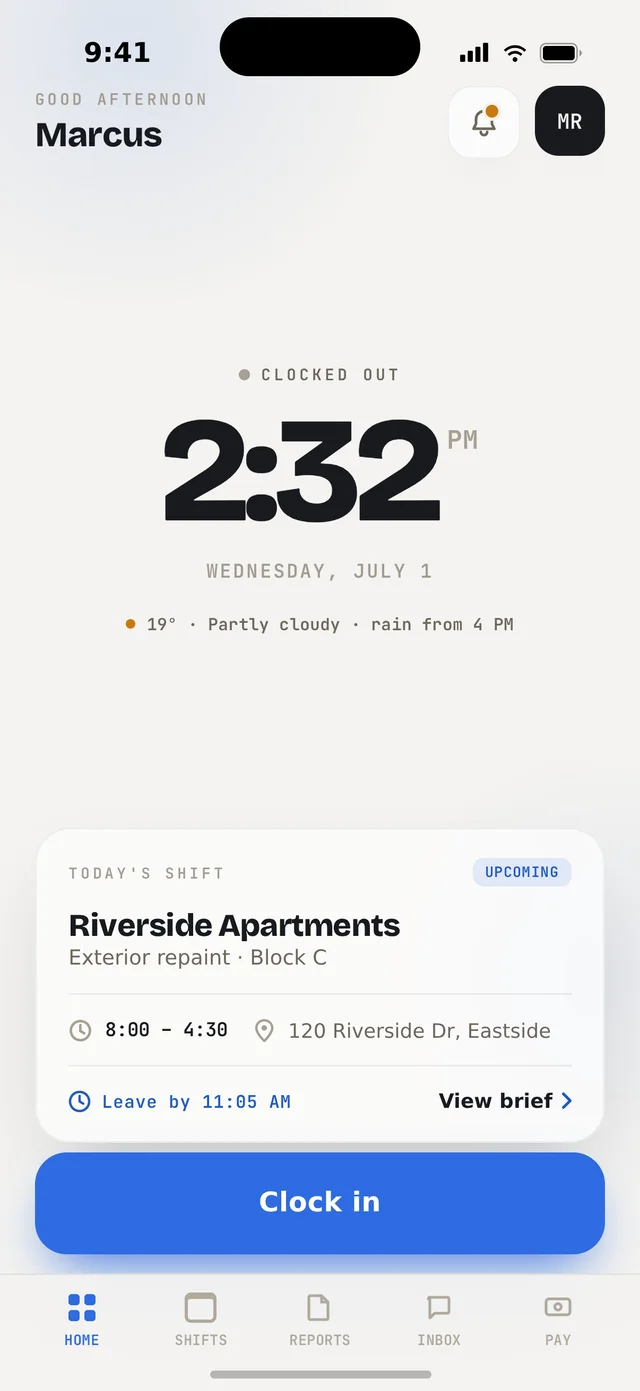
The day starts with a tap.
One glance answers the only questions at 8am — where, when, am I on the clock. Today's shift and the weather sit right under the time, and clocking in is a single honest button.
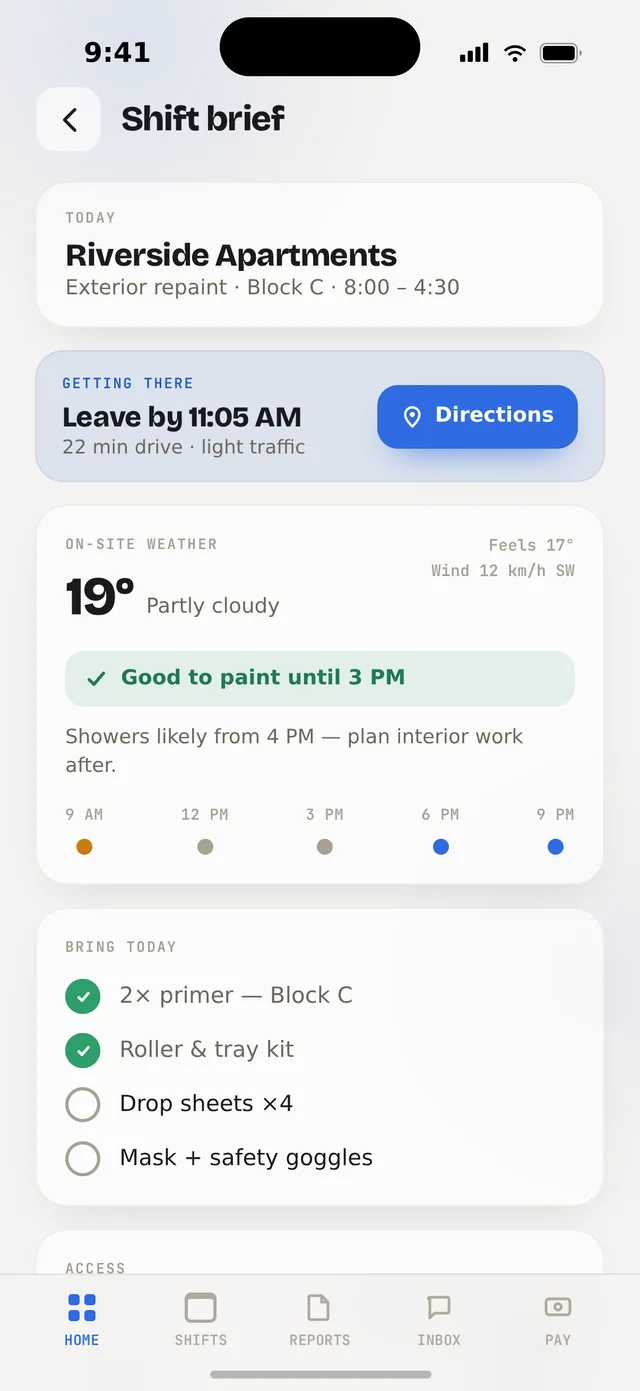
Everything the job needs, before they go.
A leave-by time with live traffic and directions, a weather window ("good to paint until 3 PM"), a what-to-bring checklist and the site access notes. No group-chat archaeology.
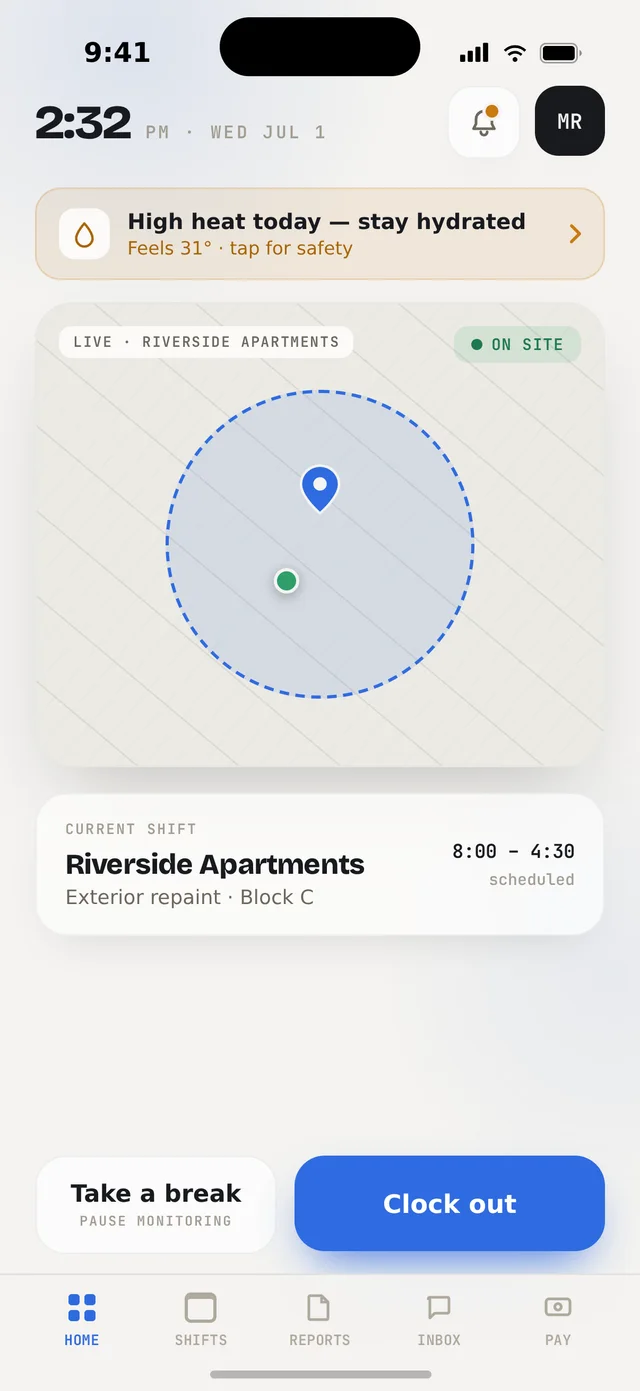
On site — and it knows.
A live geofence confirms they've actually arrived. Heat and safety warnings surface on their own, breaks are one tap, and clocking out is honest by design.
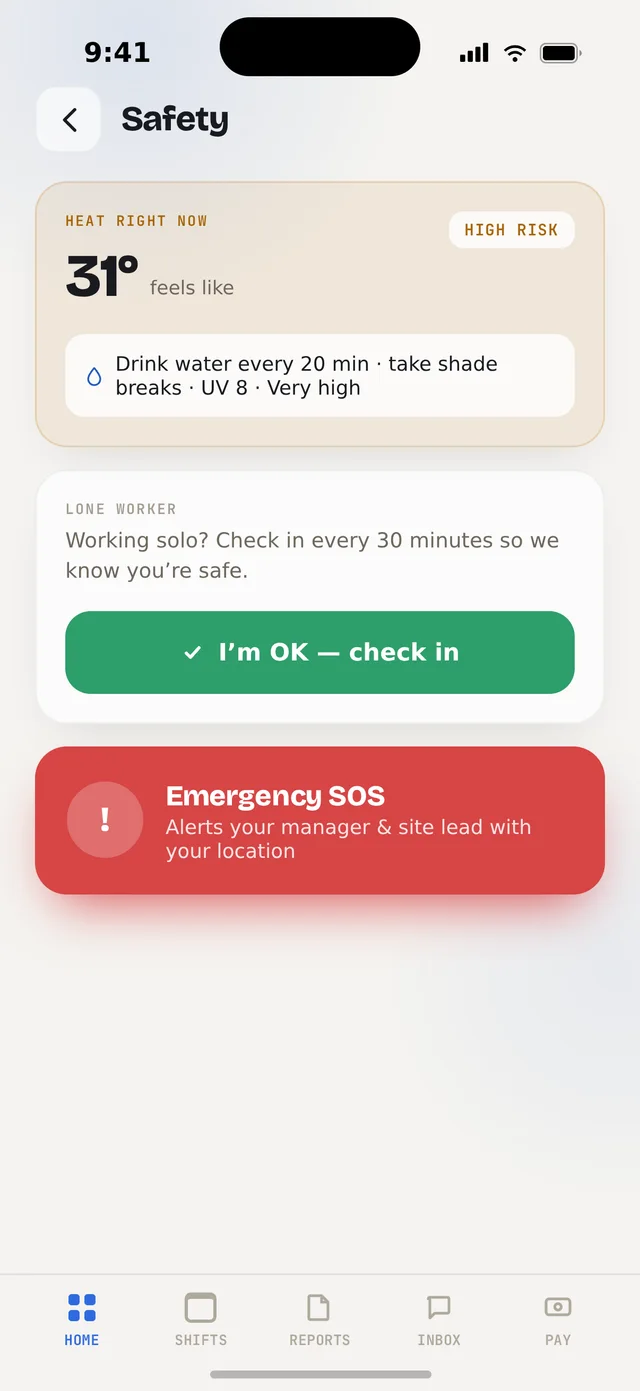
Safety that watches their back.
Real-time heat risk with hydration prompts, a lone-worker check-in, and an Emergency SOS that alerts the manager and site lead with a location — one button, when it counts.
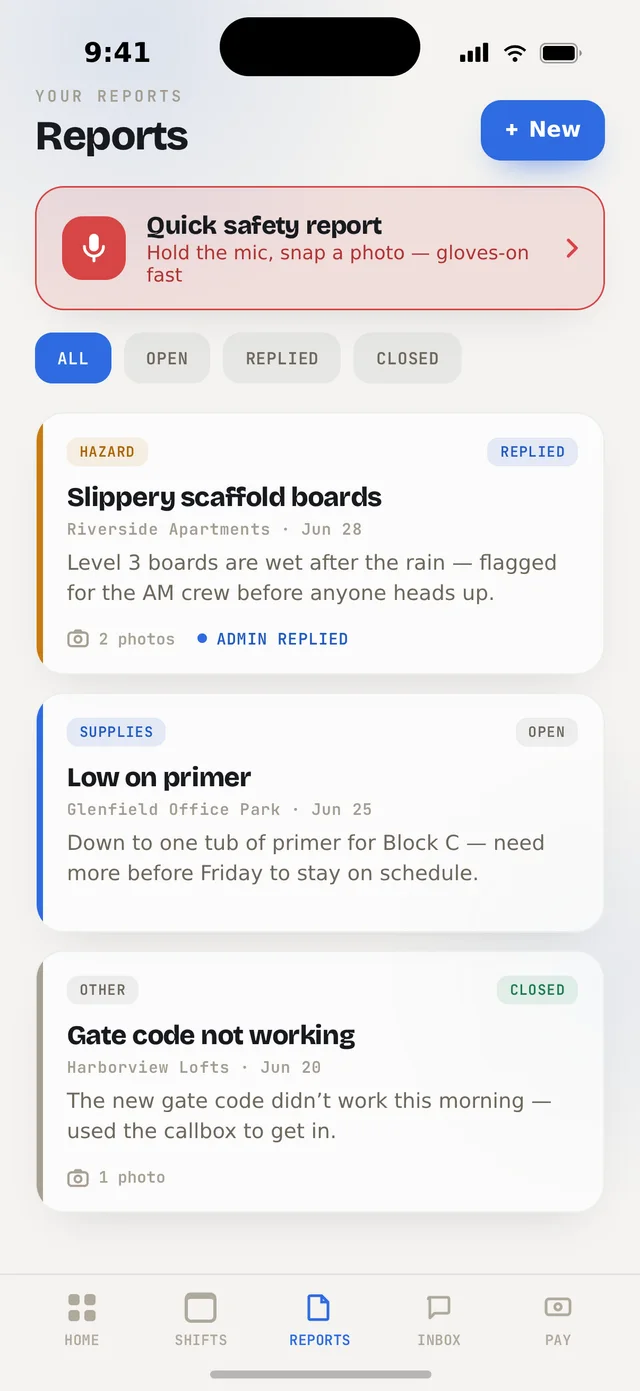
Report a hazard in ten seconds.
Hold the mic, snap a photo — done, gloves back on. Hazards, supplies and issues go straight to the manager and come back replied, not lost in a thread.
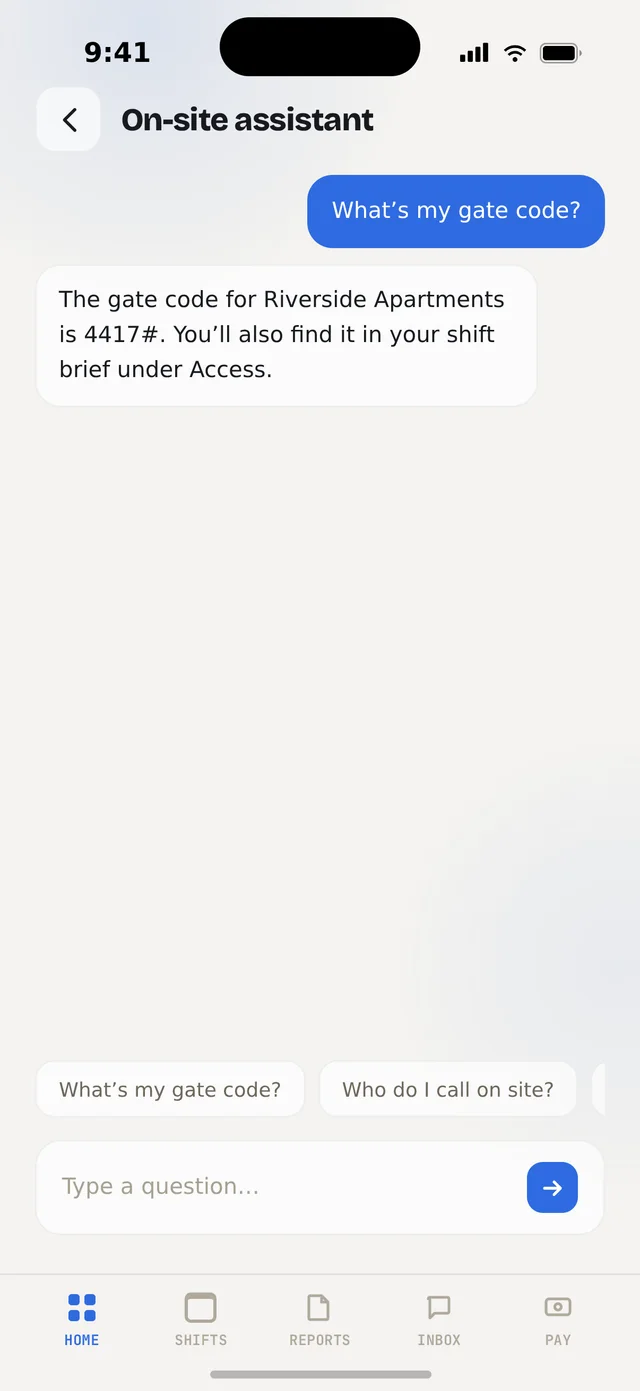
An assistant that already knows the site.
"What's my gate code?" "Who do I call on site?" "When's my next shift?" — answered instantly from the crew member's own data, in their language. No calling the office.
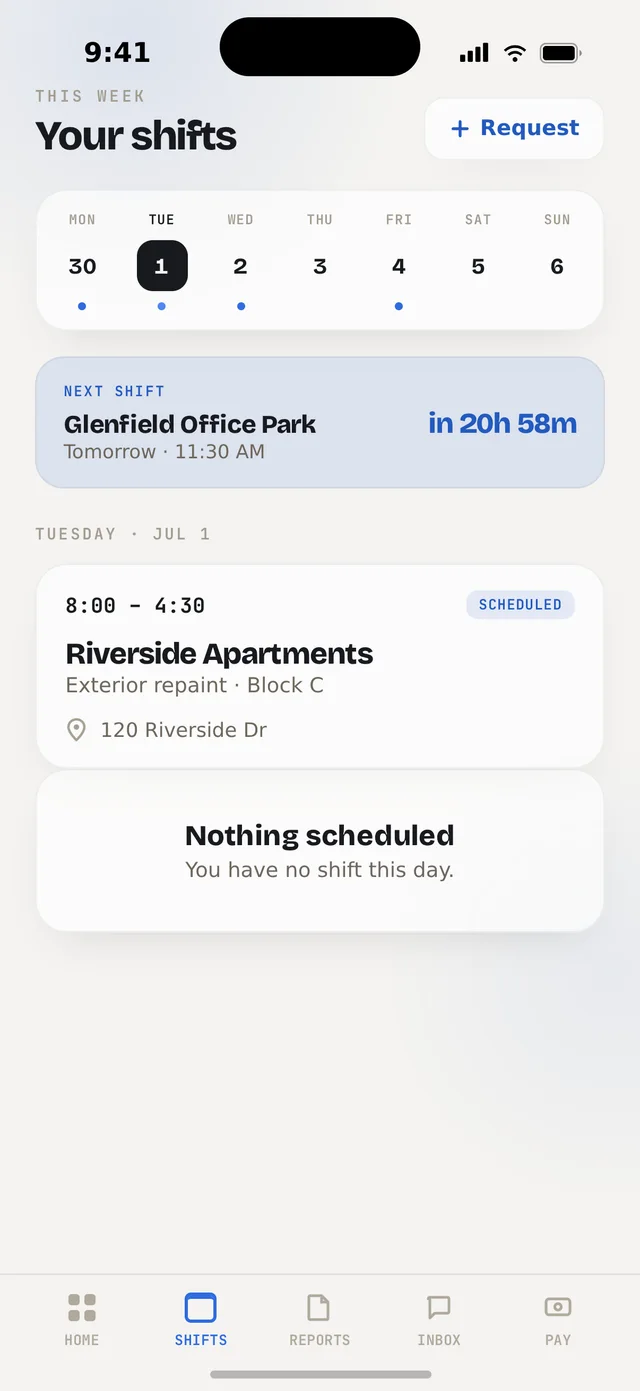
The week — and a say in it.
Shifts as a calendar with a live countdown to the next one. Need a change? Request it here; it lands in the manager's queue in Base. It's their schedule too.
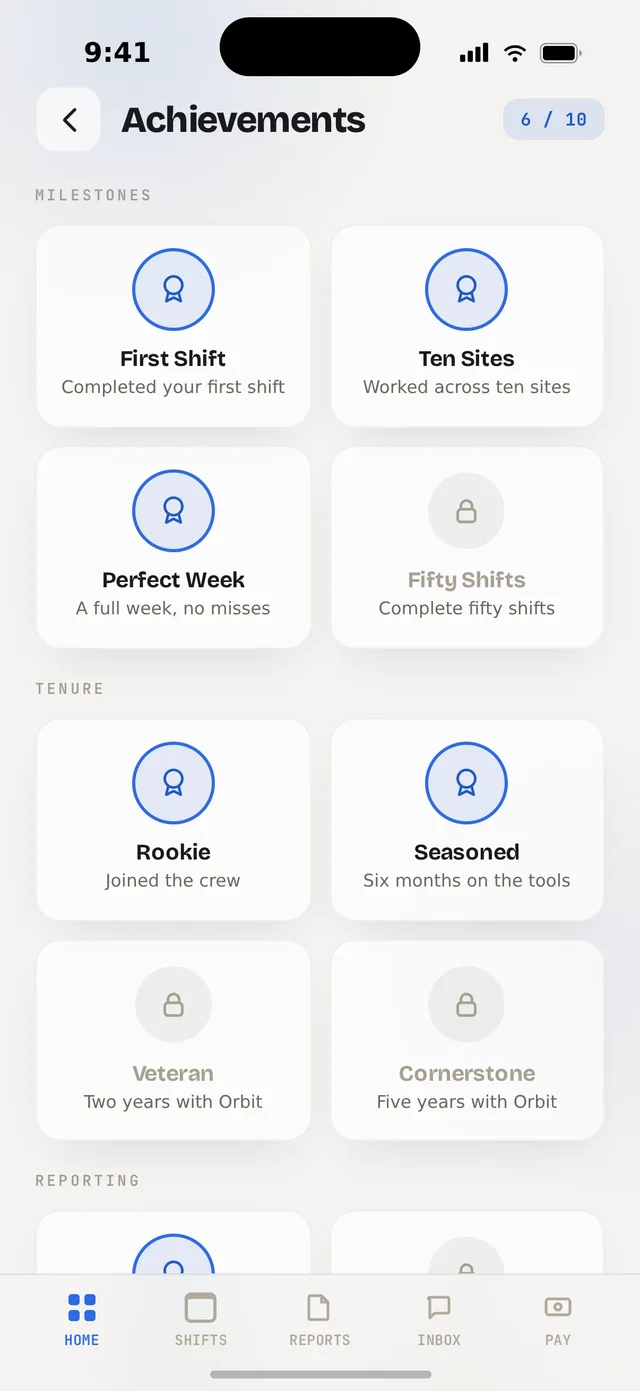
Milestones, never a headcount of hours.
"Ten Sites." "Perfect Week." "Two Years with Orbit." Recognition for showing up and doing the job well — the one rule this app never breaks: a worker should never feel paid by the hour they're watched.
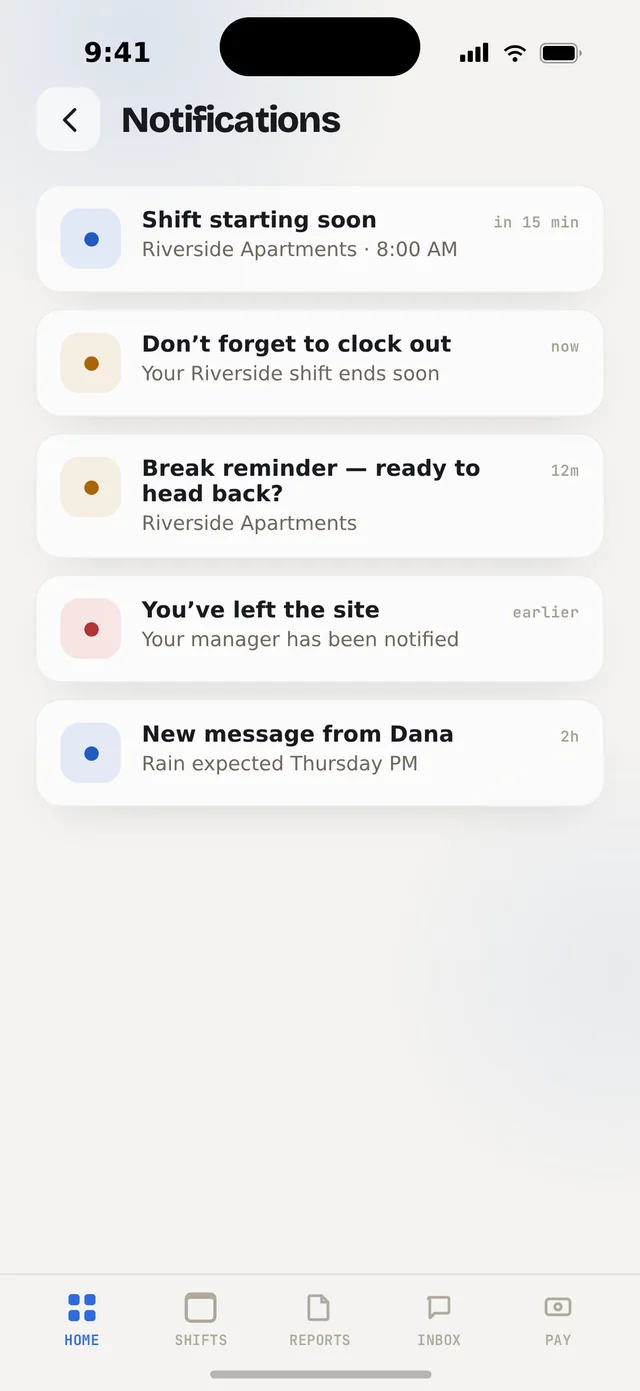
Told what matters. Nothing else.
A shift starting soon, a heat warning, a message from the office. Never a running count of hours worked — alerts that respect the job instead of policing it.
Don't take my word — use the actual app.
This isn't a slideshow. It's the real, working Orbit Team app running right here on the page. Tap in and try it — clock in, open the shift brief, file a report, poke around. Everything's live.
An app the crew actually opens.
Field software usually gets ignored because it's built for the office, not the site. Orbit Team is the opposite — one-handed, glance-able, forgiving of no signal and dirty gloves. Everything a crew member needs in a shift, and nothing they don't.
01 Geofenced attendance
Clock-in you can trust — proven on-site, not "on my way."
02 Safety & SOS
Heat alerts, lone-worker check-ins and one-tap emergency.
03 Ten-second reporting
Voice + photo hazard reports, straight to the manager.
04 On-site AI assistant
Instant answers from their own shift data, any language.